


Welcome to Veloshelf — your go-to place for fashion, shoes, accessories, and everyday essentials, all in one easy shopping experience.
Work & study
Keep presentations, research notes and project folders together, ready for the next desk or meeting.



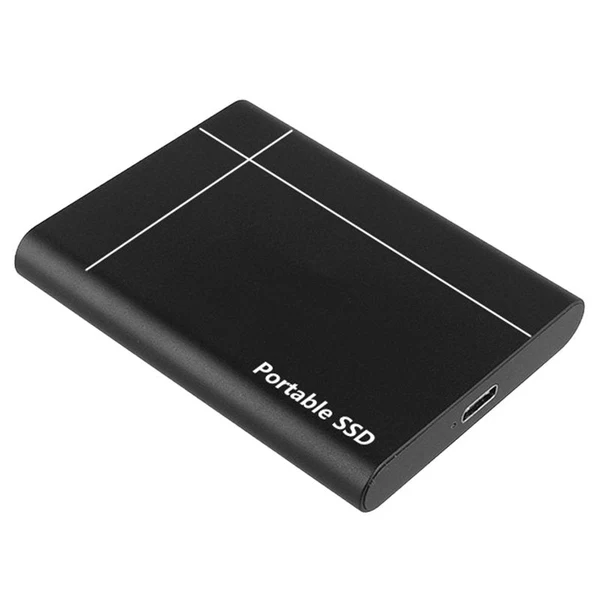
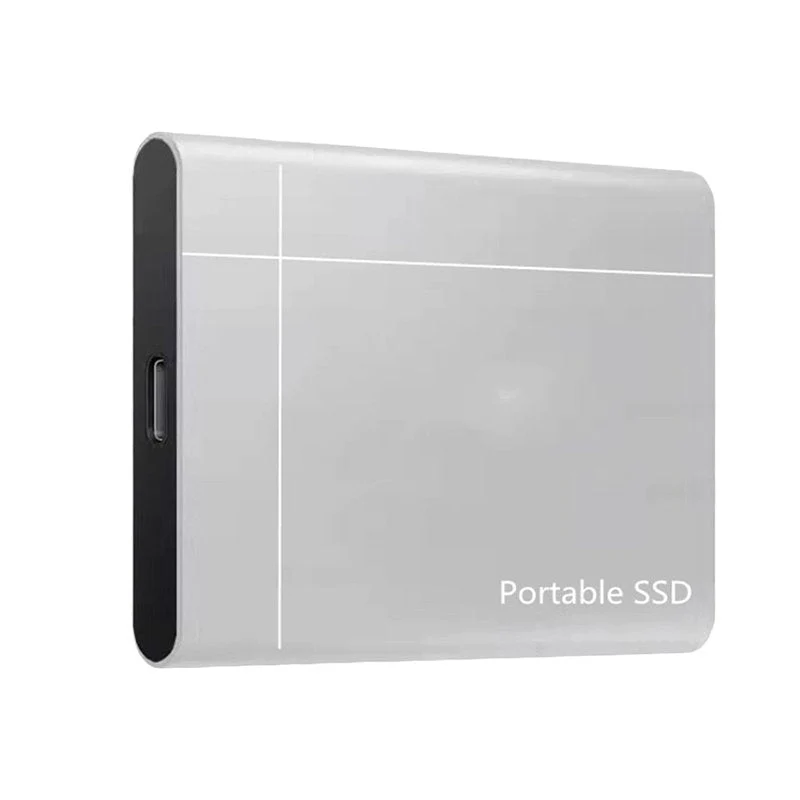
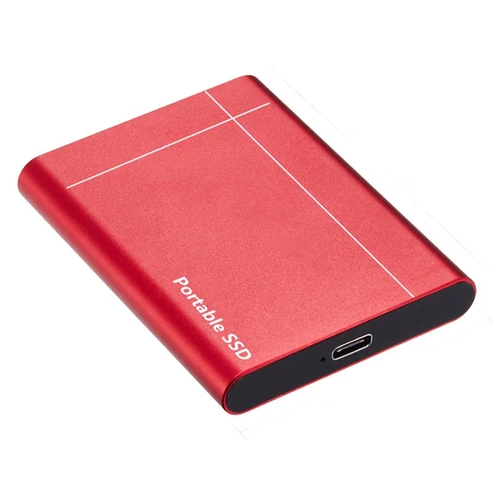

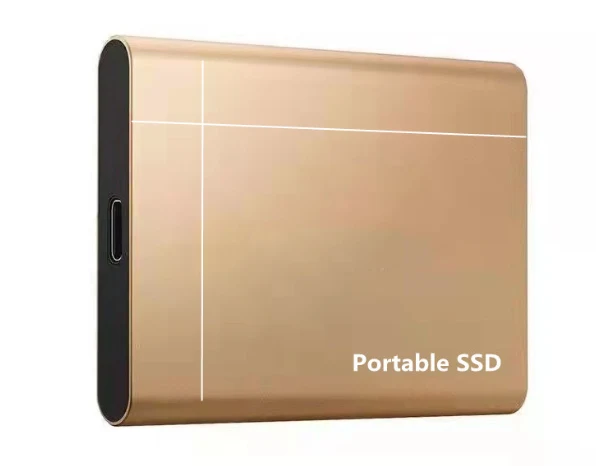




Keep files close, carry them easily, and give your computer a little breathing room.
From the photos you never want to lose to the project you need tomorrow, make space for what matters—and take it with you.
Family videos, finished projects and years of photos add up. An external drive gives them a place beyond your computer's internal storage.

A slim profile, gold-tone metal finish and USB-C connection point keep the design simple, whether it lives beside your laptop or travels with it.
Check the connection: use a compatible data cable. USB-C describes the connector shape; transfer speed also depends on the drive, cable and device.

Bring presentation files to a meeting, organize footage after a trip, or keep a separate copy of your personal documents. Choose the capacity around what you actually save.
Keep presentations, research notes and project folders together, ready for the next desk or meeting.
Give every trip its own folder, so the moments you save are easier to find when you get home.
Organize footage, artwork and media files in one place. Playback and application support depend on your device.
Keep a second copy. Copying files to an external drive can be part of a backup routine. Moving your only copy there does not create an additional backup.
25TB / 32TB
These are the option labels in the supplied listing. Confirm usable capacity for the selected model before ordering.
Gold is shown in the detail images. Select your preferred available finish in the purchase options.
Choose around your files. Check how much space your folders currently use, allow room for new files, and confirm the drive format, device compatibility and included cable for the option you select.
Clear answers for a more confident choice.
Use it to organize and carry photos, videos, documents and project folders on compatible devices. It can also hold an extra copy of important files as part of your backup routine.
Yes! 😊 Our external SSD is compatible with computers, smartphones, and tablets that support USB-C external storage.
Simply connect it directly using a USB-C cable, and you're ready to access, transfer, and store your files. No complicated setup required! 💾✨
Our high-performance external SSD is designed for ultra-fast file transfers.🚀 Read Speed: Up to 3,980 MB/s🚀 Write Speed: Up to 3,850 MB/s⚡ Random 4K Performance: Up to 450,000 IOPS (RND4K Q32T1)🎬 Transfer or load a 100GB 8K video in as little as 30 seconds under ideal conditions!Spend less time waiting and more time creating, working, and enjoying your files. 💾✨
Wait until file transfers have finished. Use your device's eject option when available before unplugging the drive.
Choose the capacity that fits your files and your everyday routine.
Back to top to order ↑Betöltés